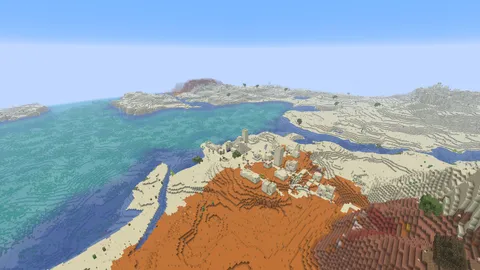
seedlookout
Our Minecraft seed finder can combine Overworld, Nether and End conditions in one search. You can require a predicted village near estimated world spawn, a Nether fortress near the converted target, and an End city around coordinates you choose. A candidate seed matches only when every condition passes the selected generation model.
This guide uses SeedCard Finder 1.0.0 with Java 26.3. The finder also has Bedrock models; the features you can select depend on your edition, generation version and dimension. Every search result is a model prediction.
Choose the tool for your question
If you already have a seed, open the seed map to inspect its predicted biomes and structures in each dimension. The structure finders list nearby predicted locations of a particular structure for that seed.
To choose a new world with several requirements, use SeedCard Finder. Each condition has its own dimension and target area, so an Overworld requirement can sit beside Nether and End requirements in the same search.
Set up a search in all three dimensions
Open SeedCard Finder for Java 26.3. Check the edition and generation version, then use Random starting seed if you want a new starting point for the candidate search. The starting seed is the beginning of the search sequence, not a result already known to match.
Choose the Village + Nether fortress preset and select Apply preset. It creates two conditions around fixed coordinates X, Z: 0, 0. For a search near estimated world spawn, change the target origin of both conditions to Offset from estimated world spawn and leave their X and Z offsets at 0.
Select + Add condition. Change the new condition’s dimension to The End, choose Structure nearby and select End city. Keep Fixed coordinates as its target origin.
These settings give you one example to try:
| Condition | Target X, Z | Radius |
|---|---|---|
| Overworld village | Estimated spawn; offsets 0, 0 |
512 |
| Nether fortress | Converted spawn; offsets 0, 0 |
512 |
| End city | Fixed 2048, 0 |
1,024 |
Each radius is in blocks of that condition’s dimension.
Set each search area to Circle. Under Count, clustering and biome height, keep the minimum structures at 1 and cluster radius at 0. That asks for at least one predicted structure anywhere inside each condition’s area.
The End coordinates are a chosen search target. They do not describe a checked seed or a route from an End gateway. You can move that target to the End area you want to inspect.
Keep the coordinate systems separate
For a Nether condition anchored to estimated spawn, the finder divides the estimated Overworld X and Z by eight, rounds each down to a whole block, then adds your offsets. If the model estimates Overworld spawn at X, Z: 800, 400, zero offsets give a Nether target at 100, 50. This is an arithmetic example, not a spawn prediction for a particular seed.
The radius stays in the condition’s own dimension. A 512-block Nether radius means 512 Nether blocks; converting the target does not shrink that radius to 64.
The converted position is a search center. The finder does not calculate where a newly created Nether portal will actually place you. End seed-search conditions use fixed coordinates and have no estimated-spawn option.
Read the match as a prediction
When the search returns a match, its model has found enough predicted structures inside every requested area. Check the edition and version shown with the result before creating the world.
Estimated spawn can differ from your actual starting position. A village near the estimate does not establish that you spawn inside it. Structure markers can also survive the model’s checks even when later generation rules prevent the structure from appearing. This recipe makes no claim about chest loot or an End ship.
If you add biome conditions, remember that area searches check sampled points. A small biome patch can fall between those points, and None of the selected biomes means none of the sampled points matched.
The scope of our in-game checks is separate: catalogue checks cover the listed locations in each record’s own version. Finder matches and additional map markers remain predictions.
Inspect each dimension in the Finder
Select Preview on a match, then use Preview condition to inspect the Overworld, Nether and End targets in turn. The preview follows that condition’s dimension and resolved center. Open map initially opens the first condition’s dimension; switch dimensions in the full seed map to continue exploring.
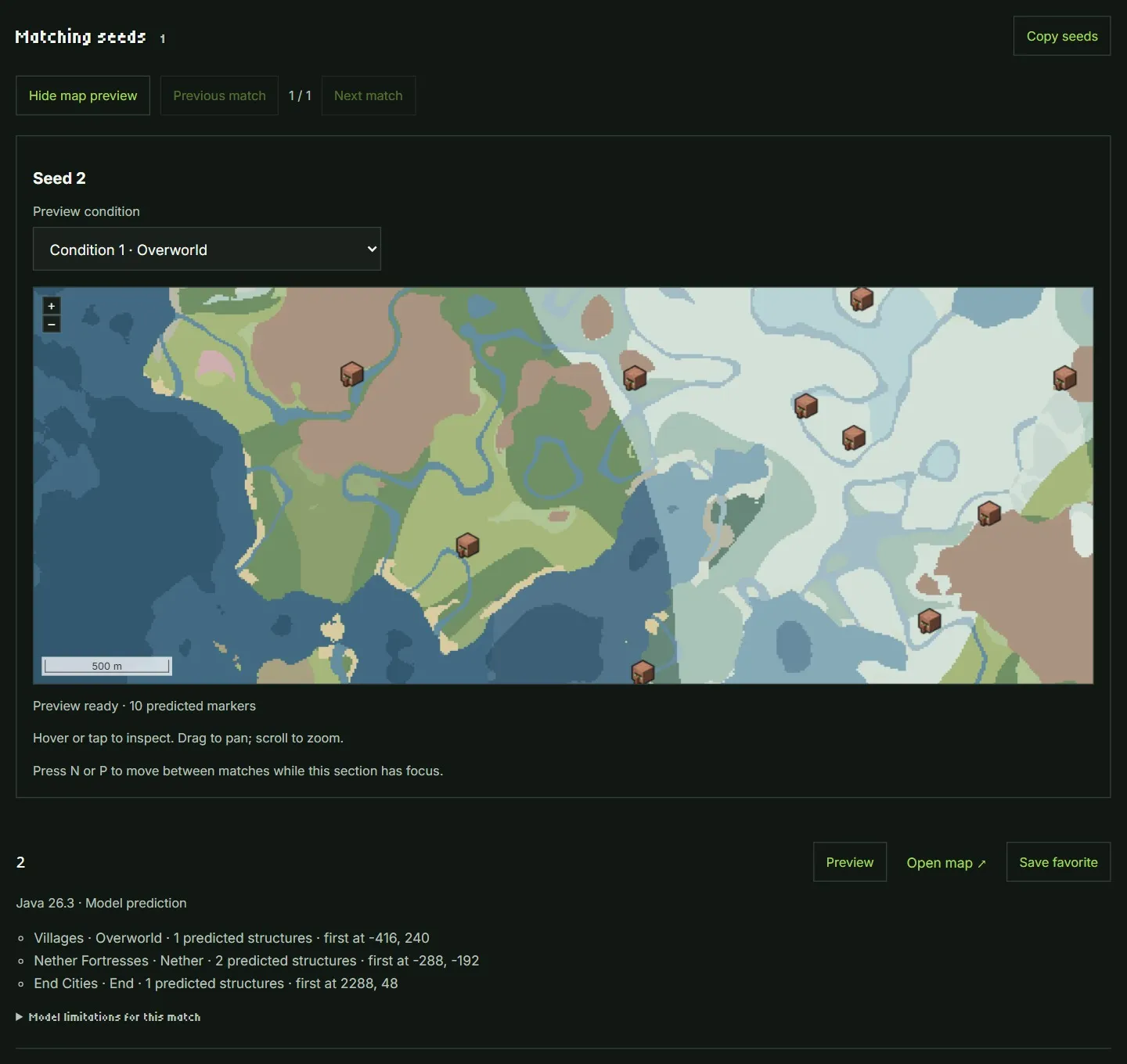
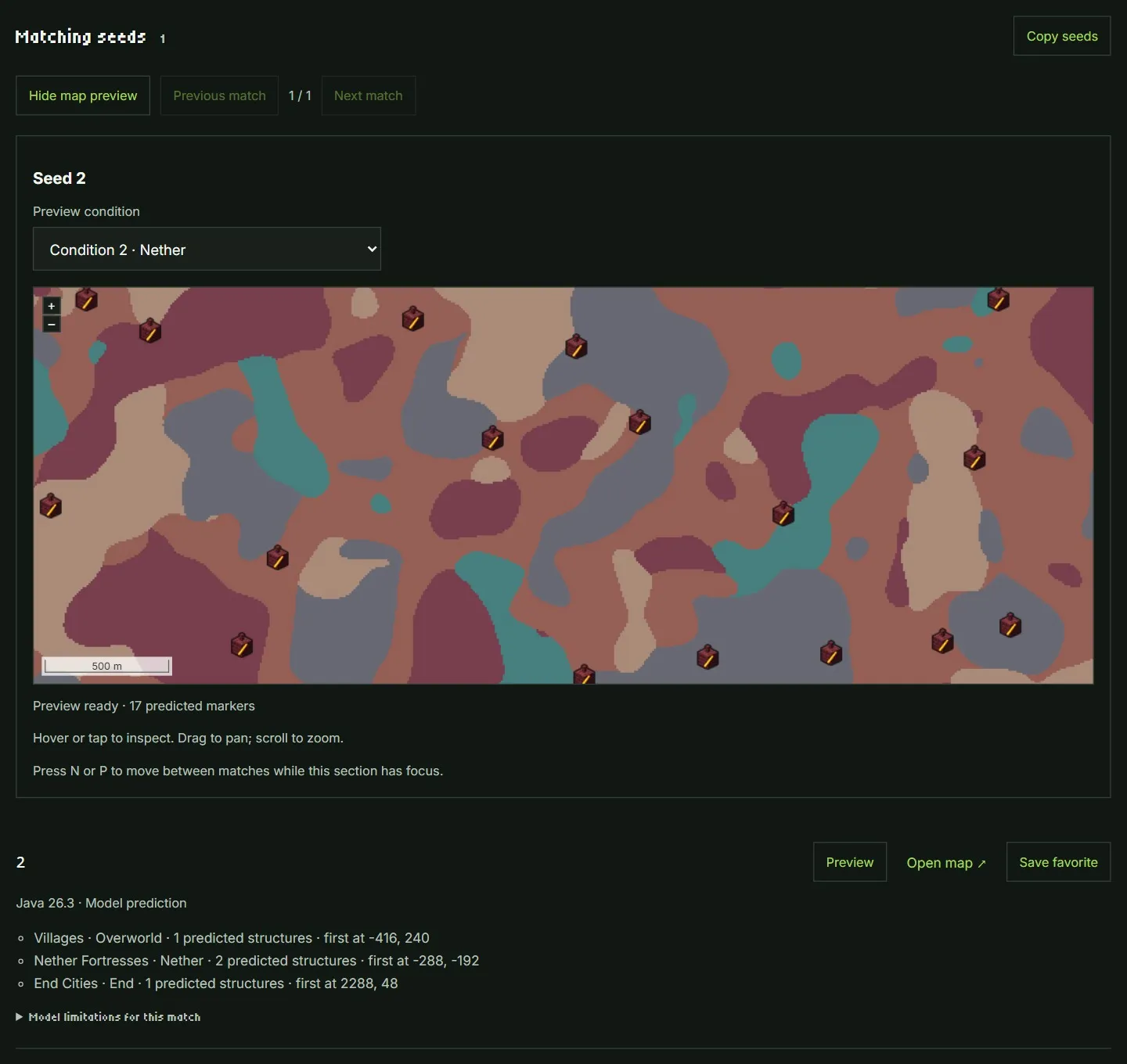
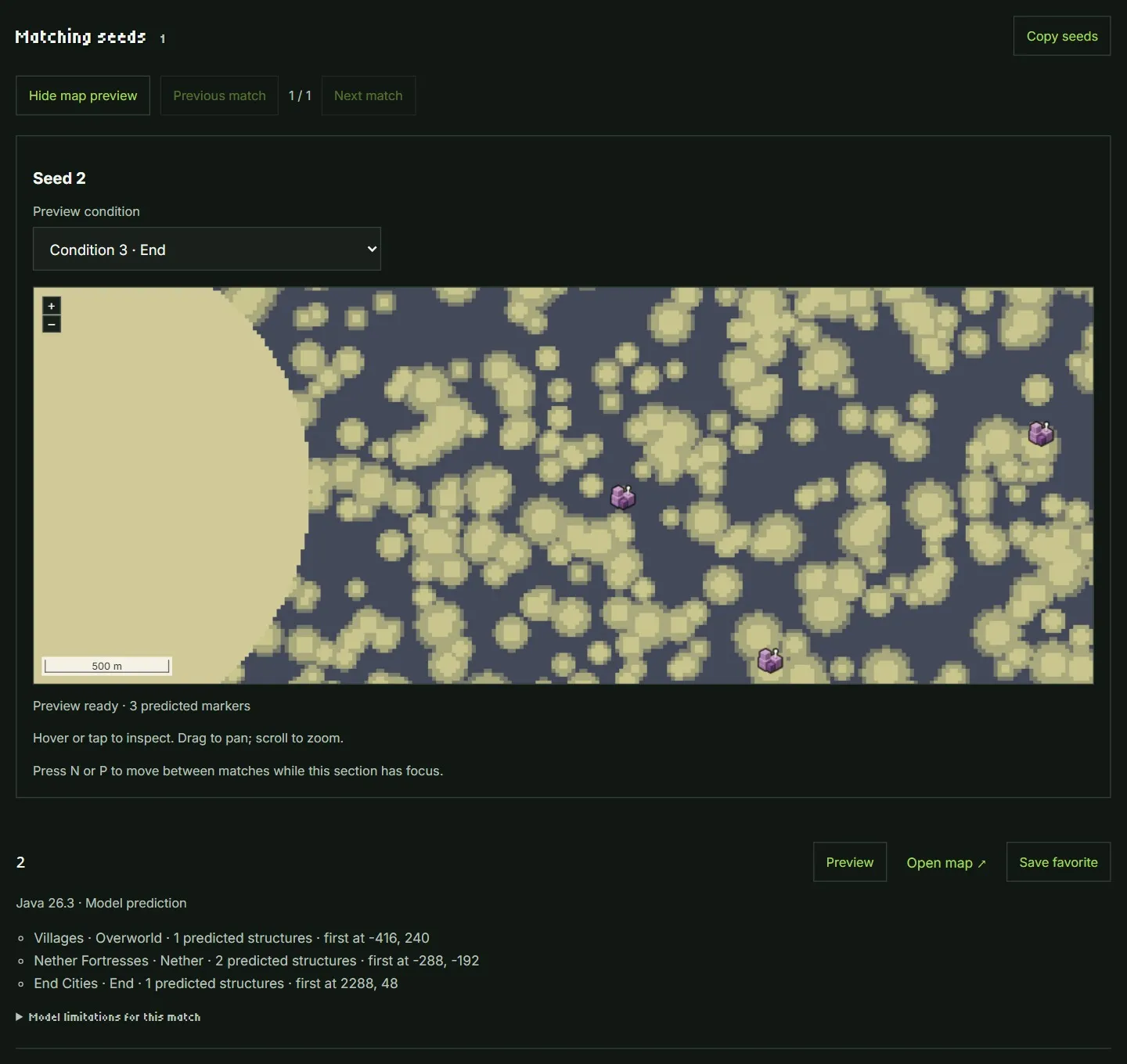
The screenshots below show calculated previews and predicted markers for the matching Java 26.3 seed 2. This example has not been checked in game. The preview can extend past a condition’s search area; the result list below it gives the count that passed that condition.
Overworld preview
Choose Condition 1 to see the village markers around the estimated Overworld spawn target.
Nether preview
Choose Condition 2 to see the fortress markers around the converted Nether target.
End preview
Choose Condition 3 to see the End-city markers around the fixed target at X, Z: 2048, 0.
Continue a saved search
Choose candidate, time and result limits before starting. An empty batch means that bounded search found no match; it does not establish that no matching seed exists. Resume saved search continues the saved conditions from its checkpoint. Earlier results keep the settings they matched, even after you edit the form.