seedlookout
 Seeds
 Seed map
 Seed finder
 Structures
 Tools
 Articles
 About
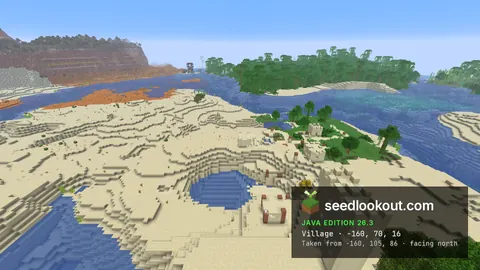
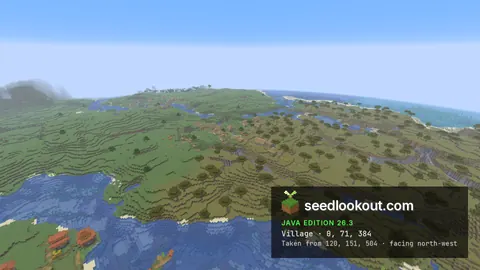
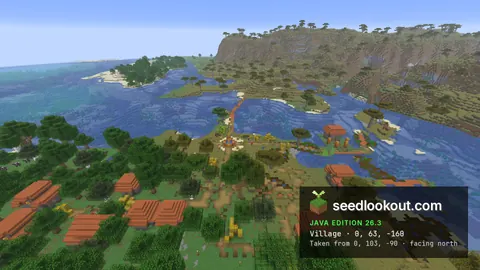
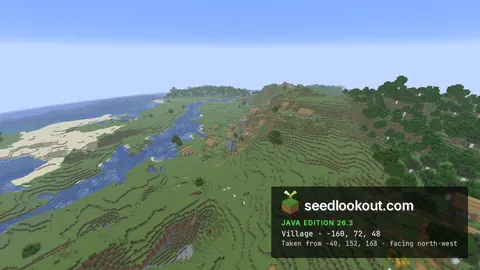
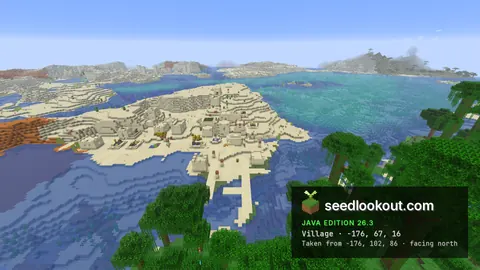
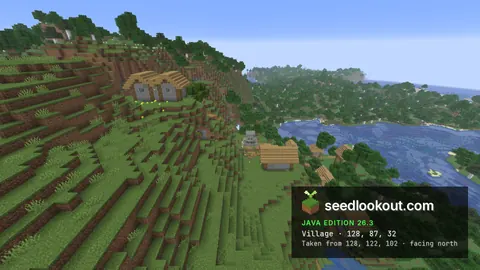
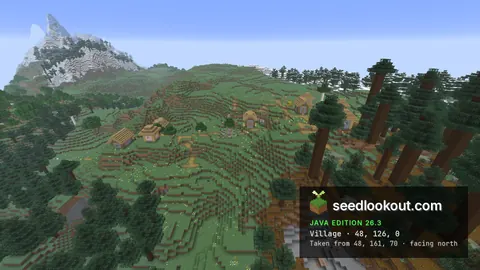
Flat plains village below a meadow mountain, with a dappled forest camp
 Village
 Abandoned camp
 Plains
 Mountains
 Dappled forest
 River
812572768See its biomes and structures on the Java and Bedrock seed map, or browse the seeds we checked in the game.
VillageAbandoned campPlainsMountainsDappled forestRiver812572768 Abandoned village
 Jungle temple
 Desert
6346576815989508723VillageMultiple villagesPlains Savanna
-8683677315992473211VillageJungle templeSavanna6346576815977290072VillageMultiple villagesPlains2659757726734263556VillageJungle templeDesert6346576815972999420Village Ruined portal
 Pillager outpostPlains
3169460303067354700VillageRuined portalPillager outpostSavanna3169460303068209726VillageJungle templePlains6346576815979176760Village Ancient cityPlains
-6846528105527106302 MansionVillagePlains
9134252932060320941Choose the start point next to the seed, and open the help button to find your world's seed in Java or Bedrock.
繁體中文(台灣)EspañolPortuguês (Brasil)DeutschFrançais日本語한국어Polski
Every sampled diamond and ancient debris origin matched the game; some nearby windows held no ore.
Compare the modeled biome families and structure types near spawn in Java or Bedrock.
Combine Overworld, Nether and End conditions in one search.
Our pages rest on our own checks: seeds visited in the game, and measurements of how closely our seed map and finders match it. The research page gives each study's method, sample, date and limits.
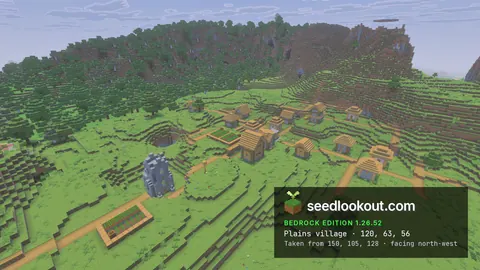
All 187 published seeds passed our game check: each listed structure and biome was at its coordinates in the edition and version shown.
133 of 135 comparisons between our Java 26.3 predictions and the game passed; 2 were partial because terrain heights are approximate.
Of the 9,029 structures Minecraft Bedrock 1.26.52 generated at the places we checked, SeedCard Finder 1.0.2 finds 9,025, and it lists 35 that the game does not generate.
42 of 42 diamond placement origins and 38 of 38 ancient-debris origins matched the game. Ore was present in the small area checked around 38 of the diamond origins and 22 of the debris origins.
Java 26.3 predictions matched the game at all 2,880 sampled points. After a correction, Bedrock predictions matched at all 11,520 points on fresh seeds, with no extra or missed lush caves.
The model puts a village marker within 64 blocks of estimated spawn in about 0.94% of Java 26.3 seeds (95% interval 0.92% to 0.96%).
In Java 26.3, the median predicted distance from spawn to the nearest village was 476 blocks. Each structure finder page shows the same figures for its structure.
The index scores the variety of biome families and structure types near estimated Overworld spawn, so you can compare two seeds before you start.
Of 674 public seed listings, 412 gave no exact game release and 62 gave no coordinates for any feature.
The seed map and finders model 26 Java and 9 Bedrock generation versions, with a separate model for each edition.
A seed gives the same world only with the same edition, generation version and world settings. Java and Bedrock can share a seed's terrain and biomes and still put its structures in different places, and chunks first generated in an older version keep that version's terrain after an update. Every seed page here names its edition and version.
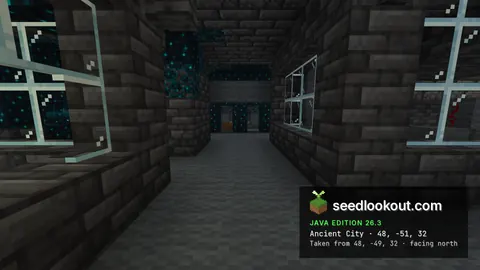
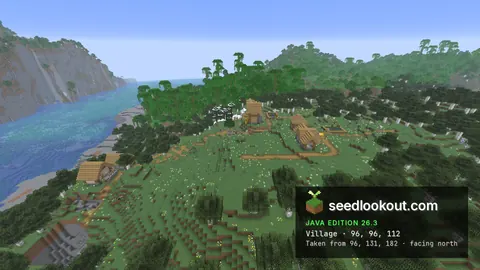
Our tools predicted where each listed structure and biome would be. The verifier then generated the seed in that exact game release and recorded what was there, and a person visited each location in the game before the page was published. The check covers those locations in that edition and version, not loot, the spawn point or other versions. How we check seeds
The seed map, seed finder and world tools run in your browser. The map and finder cover Java and Bedrock, and some tools are Java only. Their results are model predictions unless a page says they were checked in game.